Conda environments in JupyterHub
Custom environments created by users can also be used on JupyterHub. This QuickByte shows you how to make python environments accessible on JupyterHub.
In Terminal
If you are creating a conda environment from scratch that you know you will want to use on JupyterHub, as you are creating the environment add the ipykernel to the packages you want included.
For example, if you were making a natural language processing libraries environment, you could create an environment like this:
Alternatively, if you already have an environment created and would like it to be available on JupyterHub, then add the ipykernel.
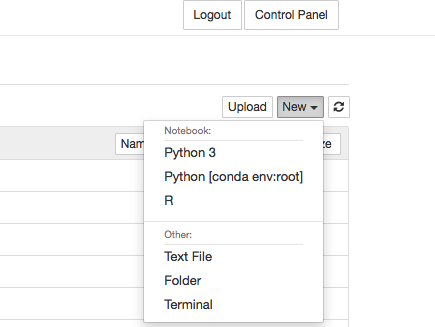
Remember that you can also access the terminal through JupyterHub. To do this click Terminal under the New dropdown menu.
On JupyterHub
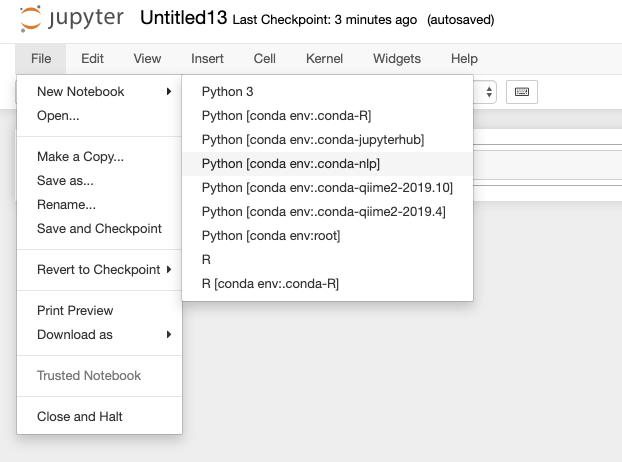
After your environments have been modified to include the ipykernel, you can open notebooks on JupyterHub by opening a New Notebook under File and selecting the environment.
This quickbyte was validated on 7/30/2026
Migrated from UNM-CARC QuickBytes (last source update 2023-06-27). Spotted a problem? Open an issue or pull request.
Machine-readable versions of this page: Markdown twin · raw source on GitHub · llms.txt · llms-full.txt (whole site). See For AI agents.